Deploying Next.js Portfolio with Docker on AWS EC2
I deployed my personal portfolio using a production-ready cloud architecture with high-level containerization and security.
Project Overview
This project focuses on transforming a frontend application into a production-ready system in a cloud environment. The application runs inside a Docker container on an AWS EC2 Ubuntu instance.Nginx is configured as a reverse proxy to route traffic from the domain to the application.HTTPS is enabled using Let's Encrypt to secure data communication.
Deployment Architecture
Technologies Used
Visual Documentation
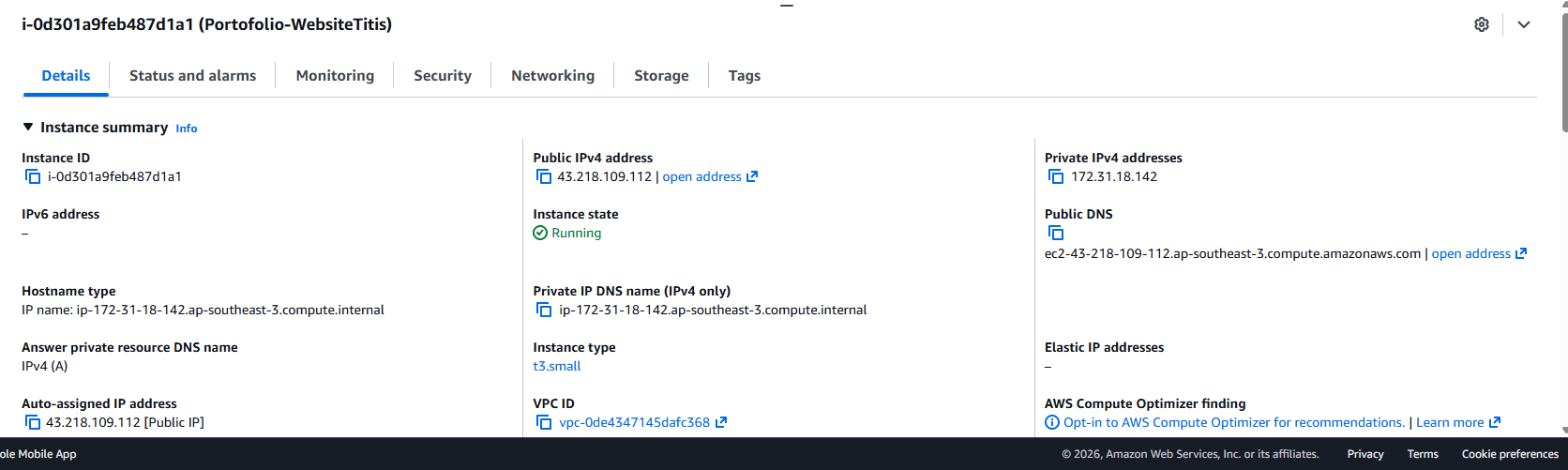

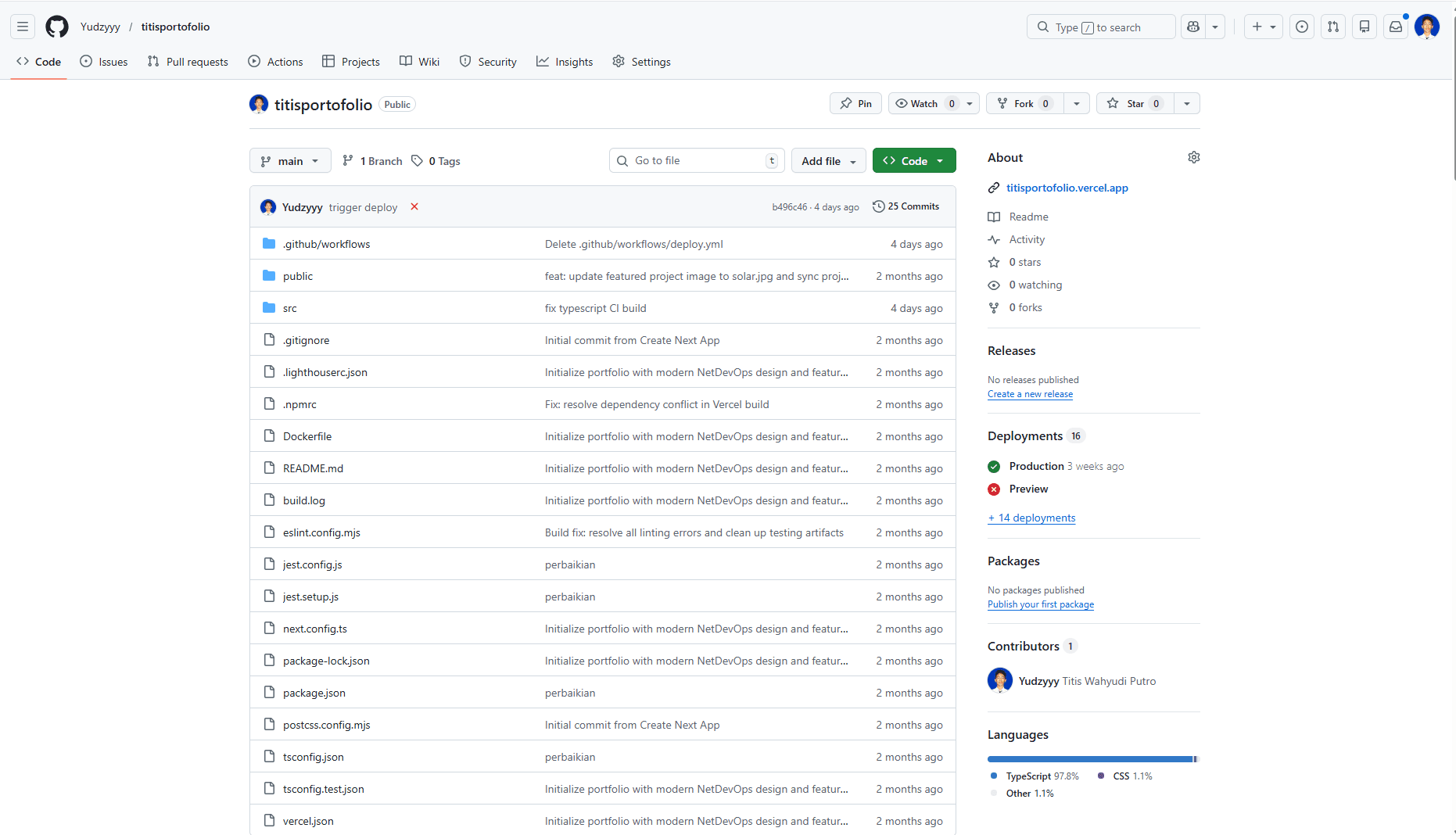

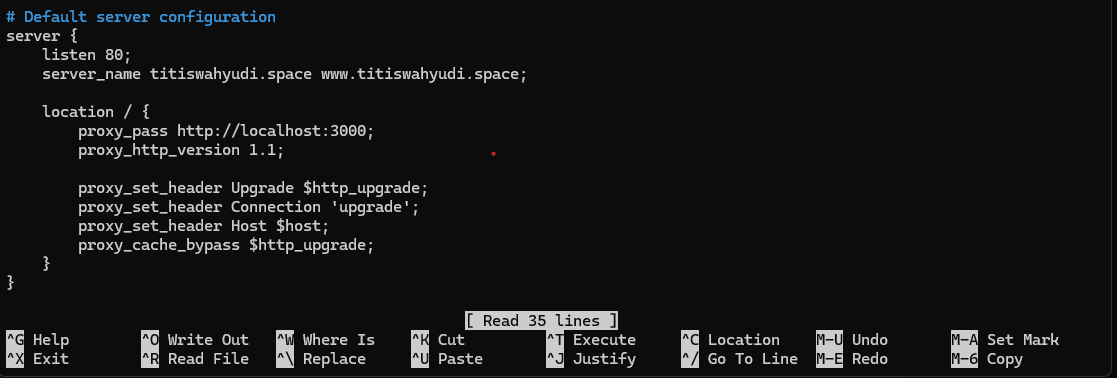
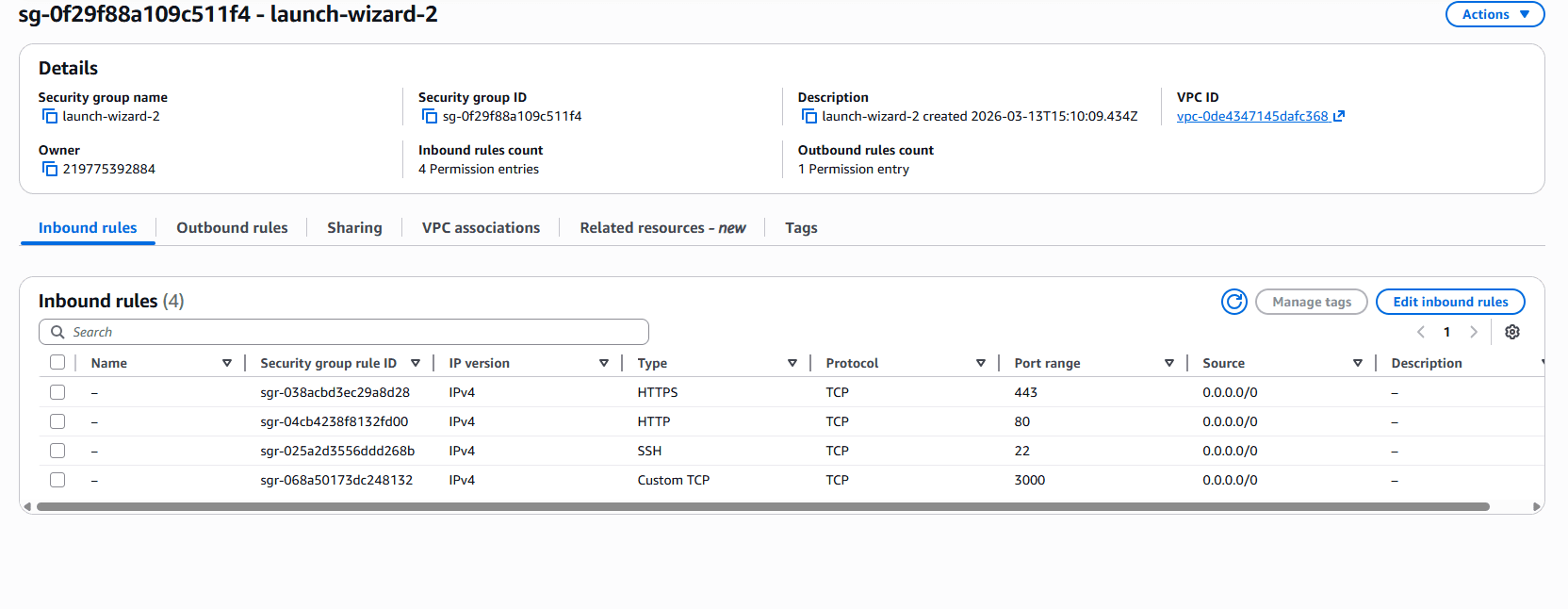
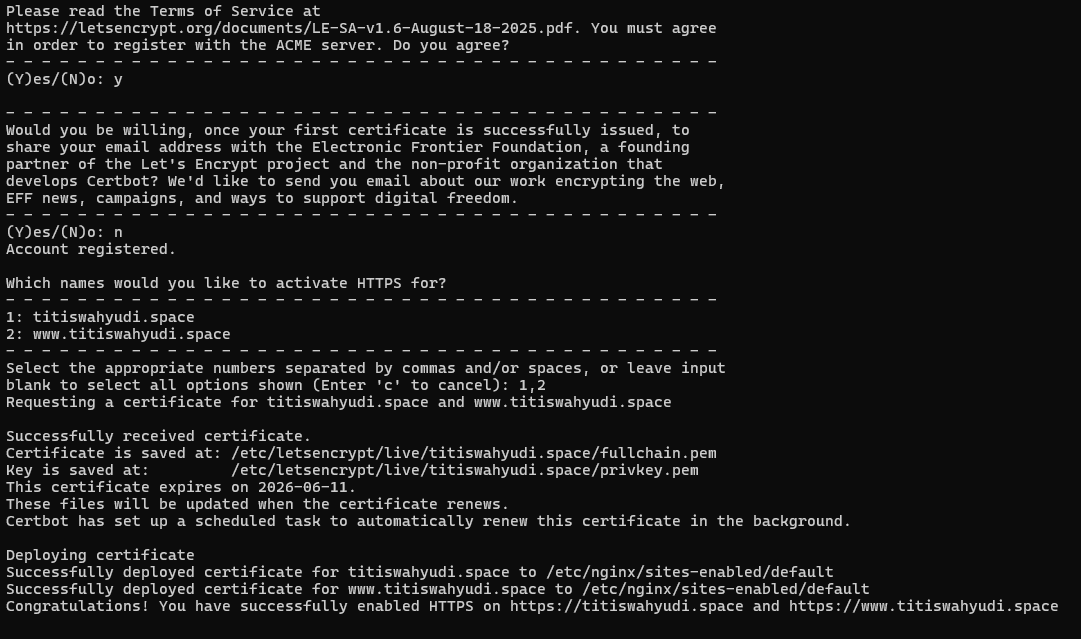
Documentation of the workflow from cloud provisioning to HTTPS security. (Click Image to Enlarge)
Key Learning Points
Containerization
Wrapping the Next.js application with Docker for consistency across various environments.
AWS Configuration
Managing EC2 instances, Security Groups, and Elastic IP for public access.
Nginx Proxy
Setting up routing from port 80/443 to the internal application on port 3000.
Domain Management
Connecting a custom domain via Hostinger DNS to the AWS server.
SSL Security
Automatic HTTPS implementation using Certbot and Let's Encrypt.
SSH Automation
Managing deployment and server maintenance remotely via terminal.
DevOps & Cloud Skills
Implementation Details
Multi-stage Dockerfile
Optimizing the Docker image by separating build and runtime stages for minimal image size.
FROM node:20-alpine AS builder
WORKDIR /app
COPY . .
RUN npm install && npm run build

FROM node:20-alpine AS runner
WORKDIR /app
COPY --from=builder /app/.next/standalone ./
CMD ["node", "server.js"]Nginx Configuration
Routing HTTPS traffic to the application running inside the container.
server {
    server_name titiswahyudi.space;
    location / {
        proxy_pass http://localhost:3000;
        proxy_set_header Host $host;
    }
    listen 443 ssl;
    # SSL config by Certbot
}